How to Join a Remote Support SessionUpdated 4 months ago
1. Go to the AnyDesk Downloads page.
2. Click the "Download Now" button under your operating system (Windows or Mac).
3. Once the download is complete, open the file (you'll find it at the bottom of your browser or in your Downloads folder) and follow the on-screen instructions to finish installing AnyDesk.
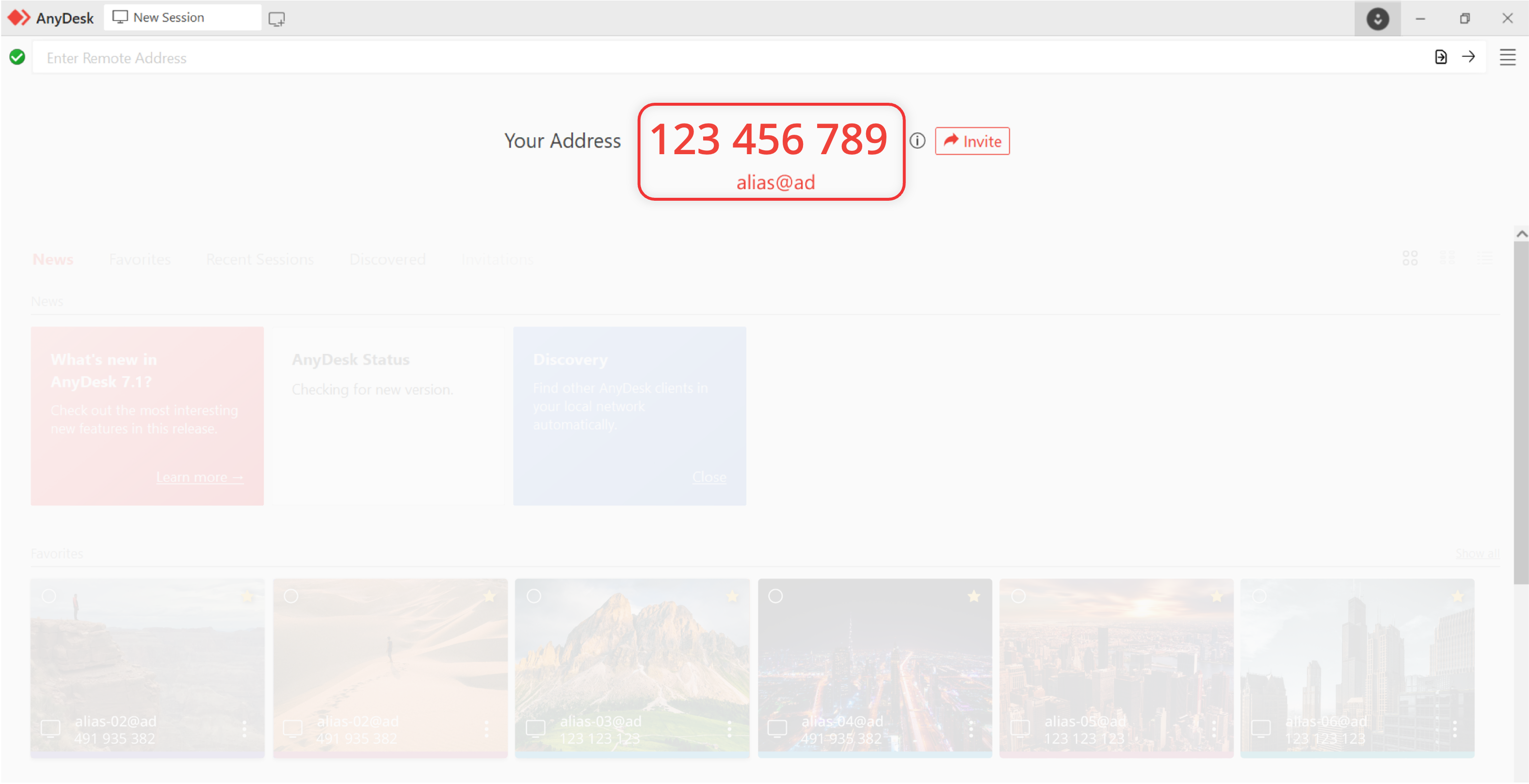
4. Open AnyDesk and share your AnyDesk ID with our support team. You'll find the ID near the top of the window under "Your Address".
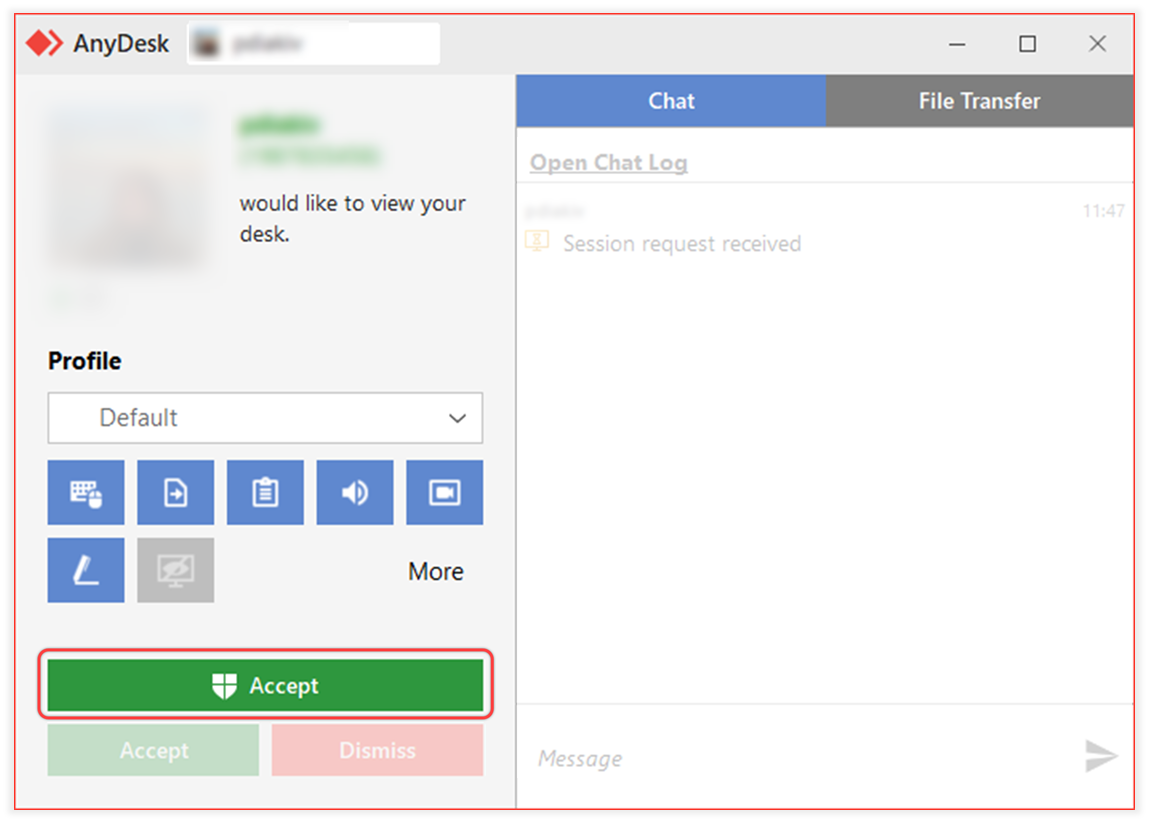
5. A small window will pop up on your screen. Click the green "Accept" button to allow the connection.