
How to Install and Activate Microsoft Office 2021Updated 3 months ago
We recommend uninstalling any previous versions of Microsoft Office from your computer to avoid installation or activation issues.
1. Download the Office 2021 installer: Download Office 2021
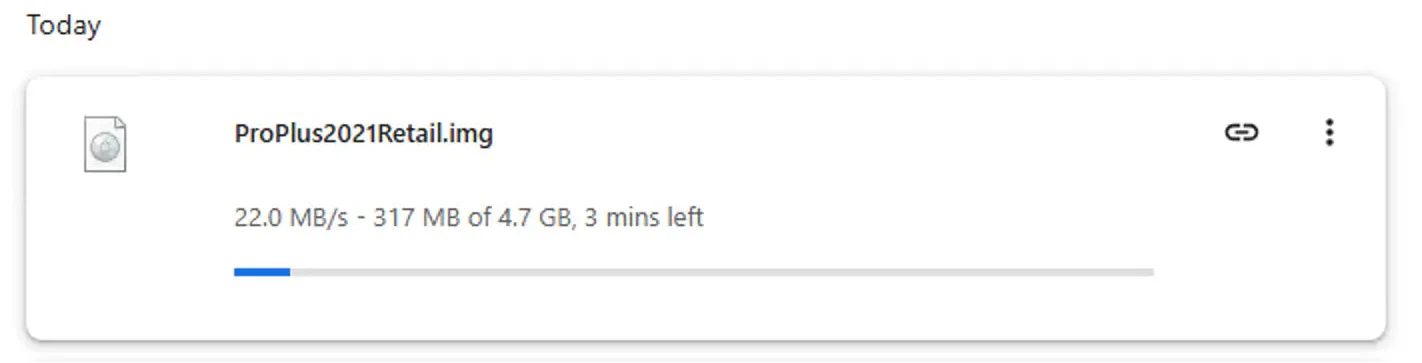
2. Once "ProPlus2021Retail" finishes downloading, double-click the file to open it (you'll find it at the bottom of your browser or in your Downloads folder).
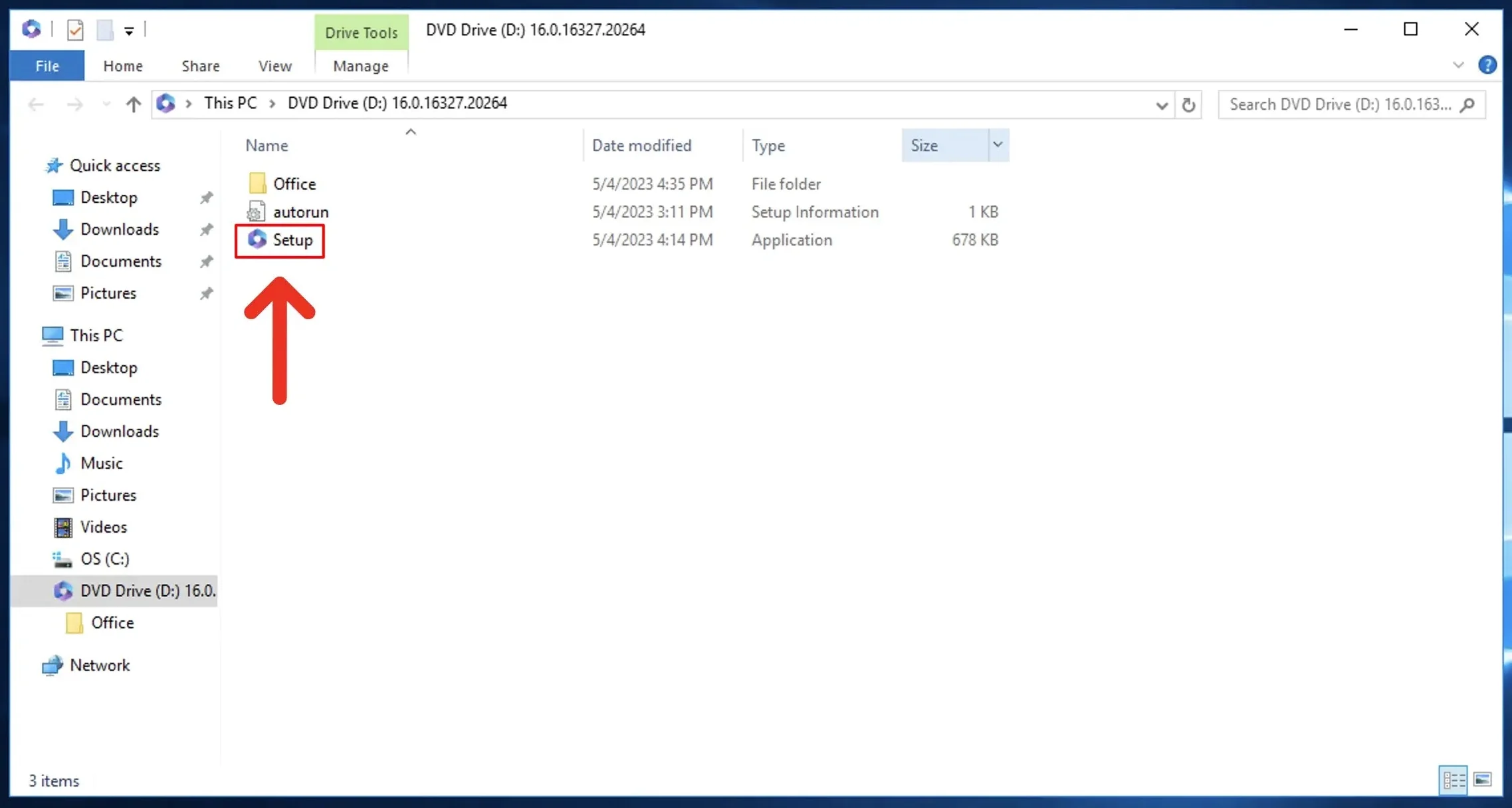
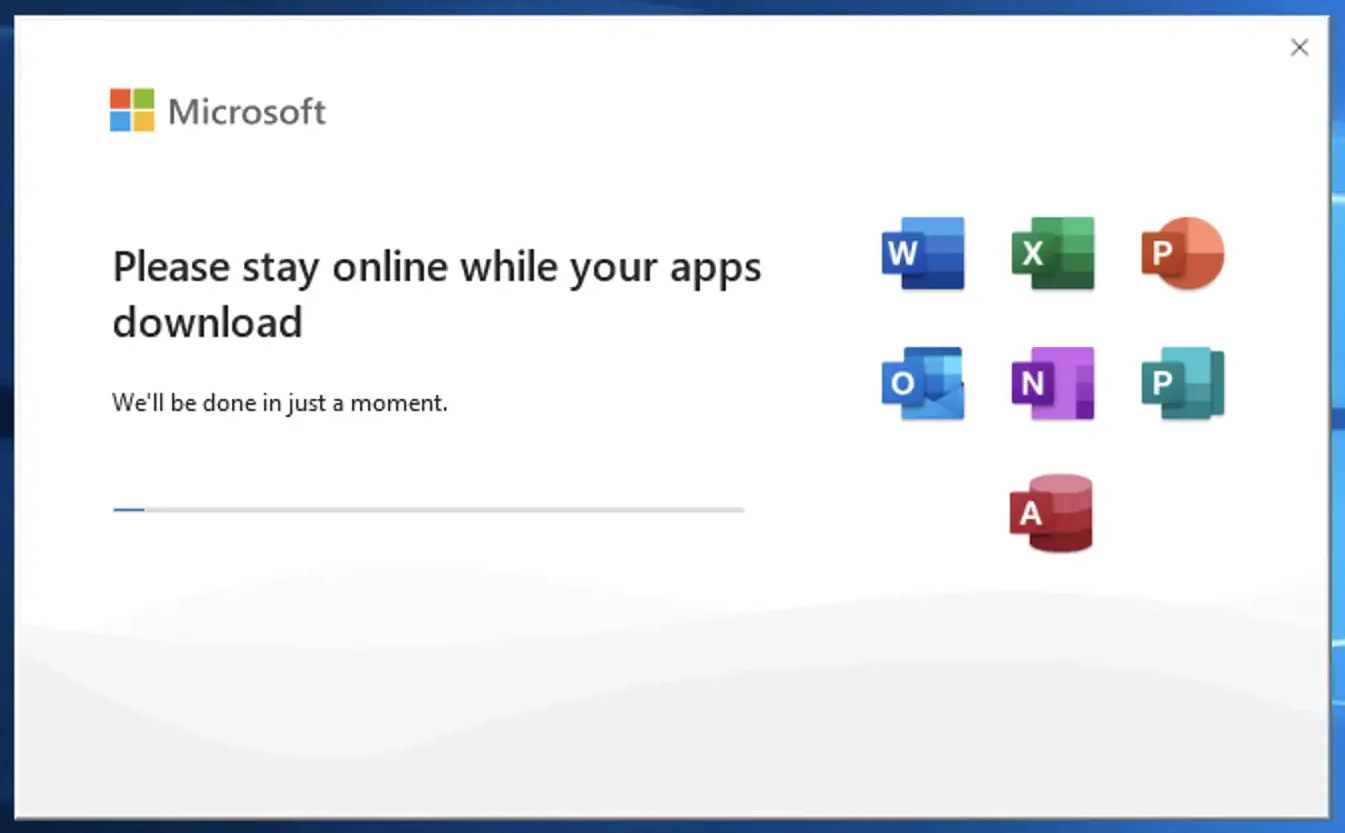
3. Double-click "Setup" to start the installation. Wait for Office to finish installing. This may take a few minutes.
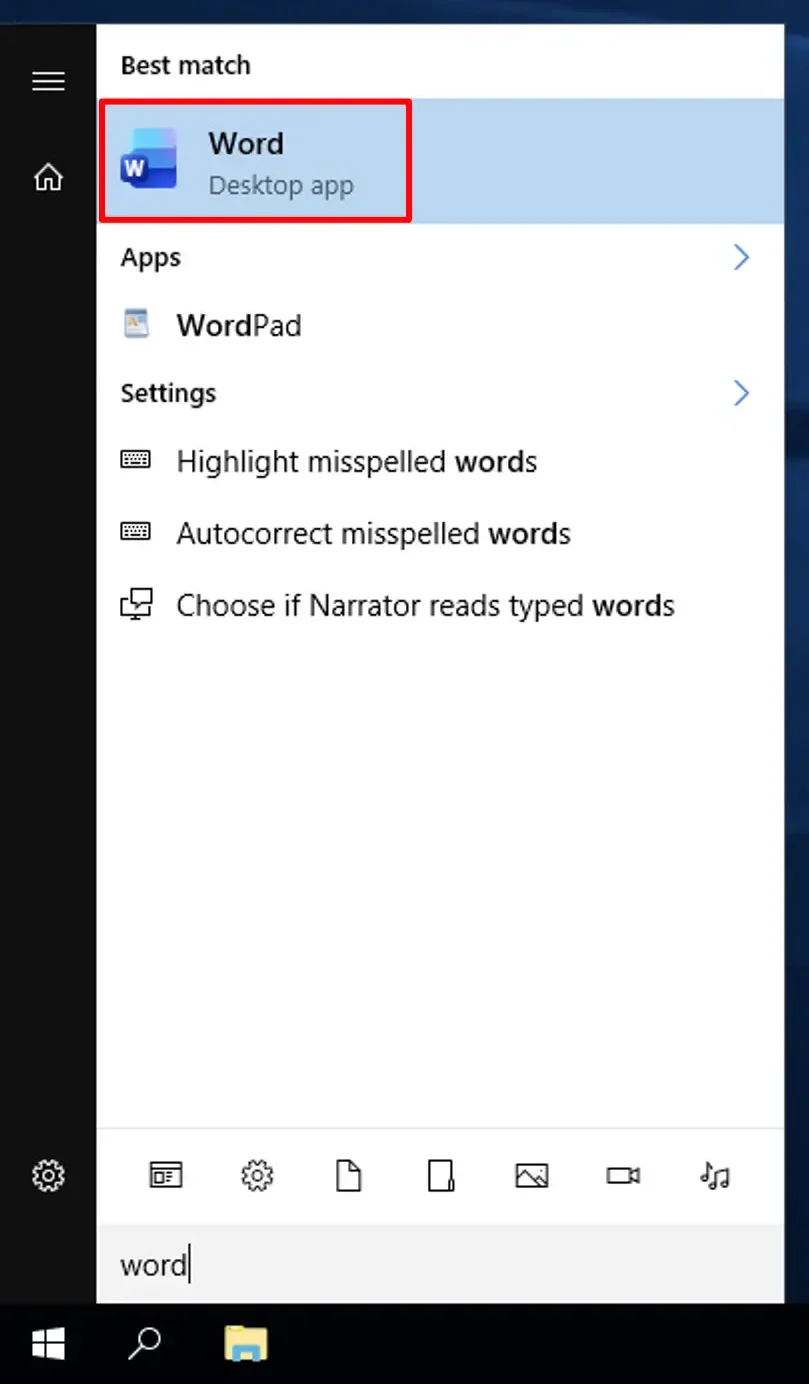
4. Open the Start menu, type "Word", and click to open it.
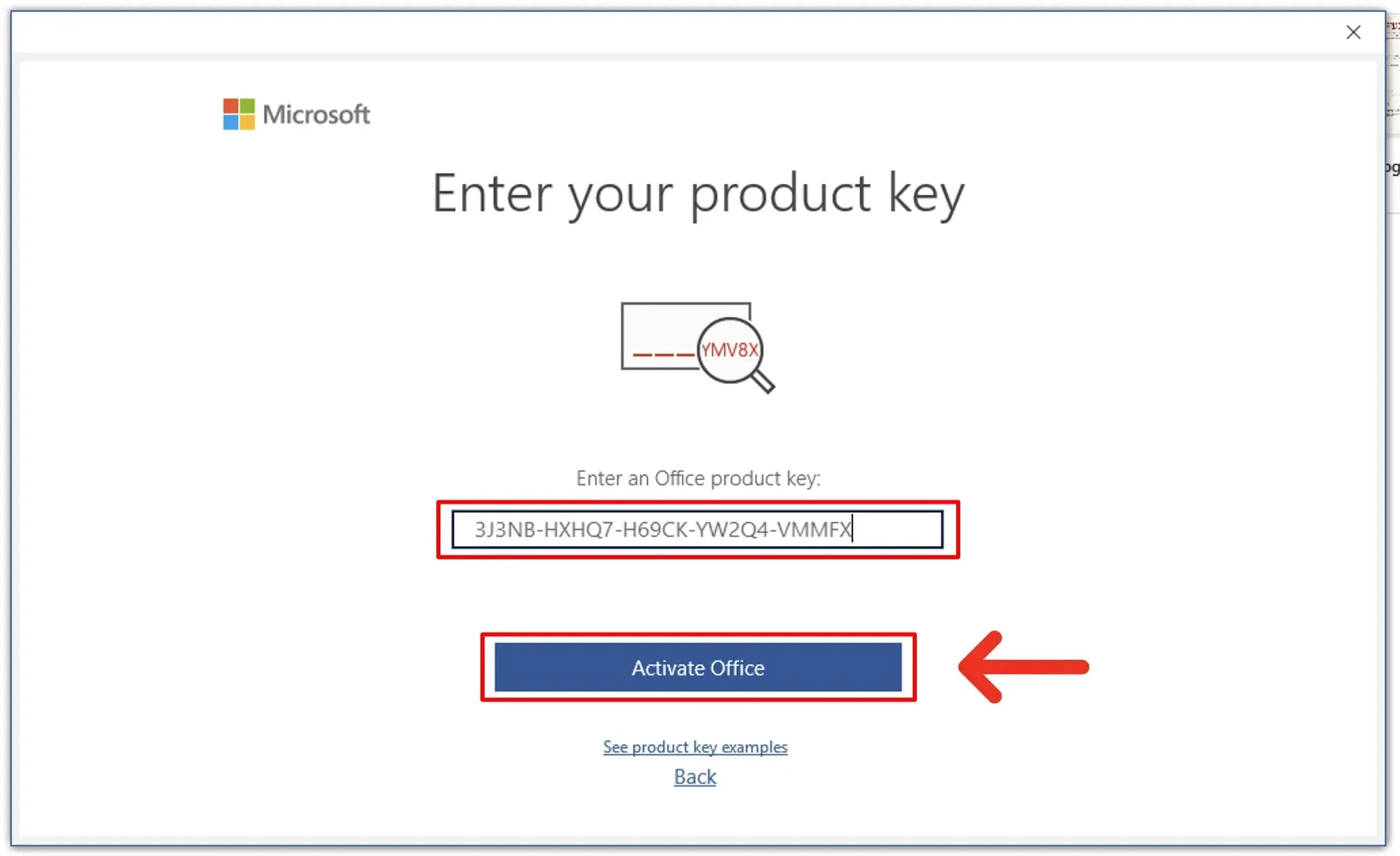
5. Enter the product key (the 25-character code you received by email) and click "Activate Office".
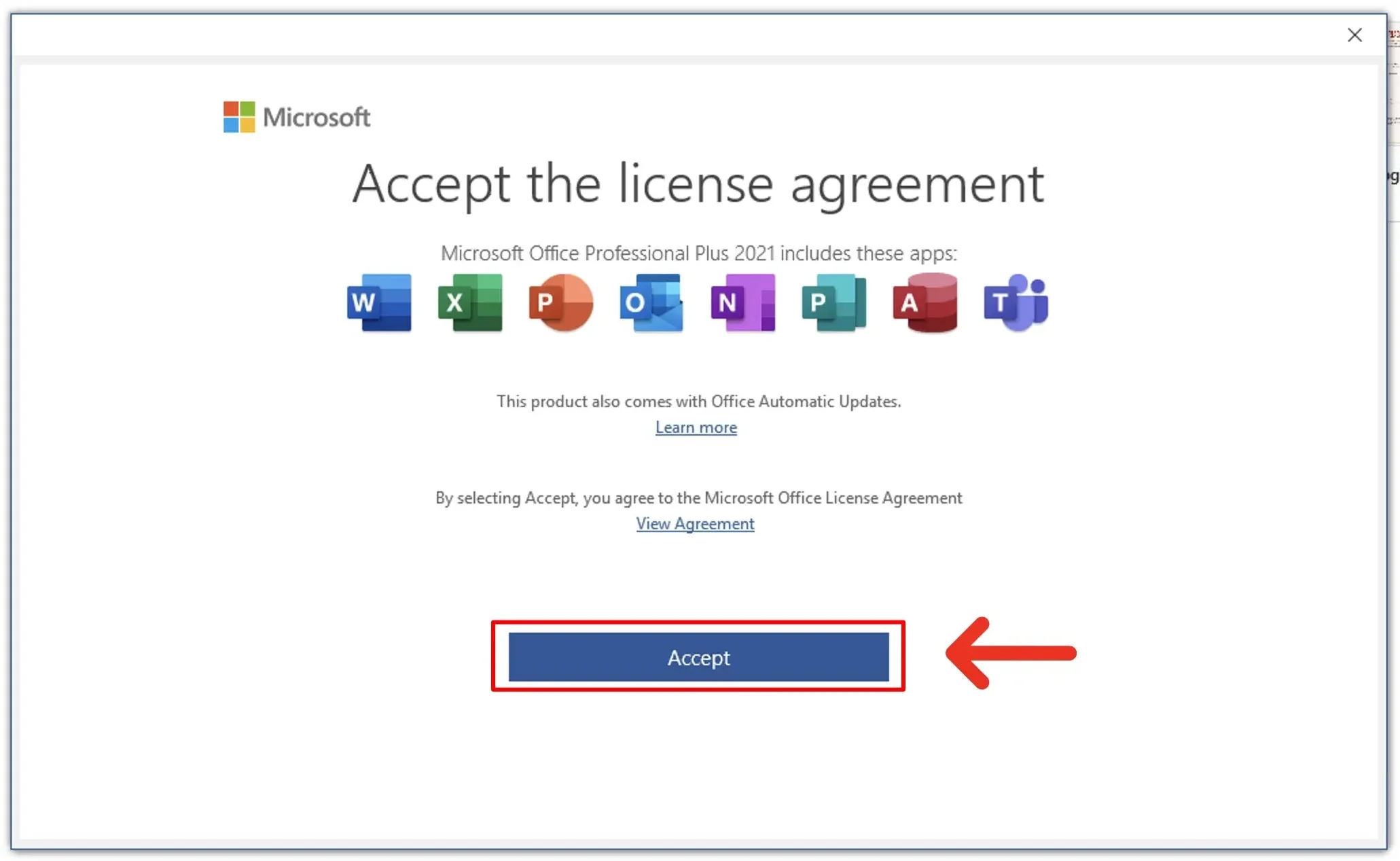
6. Click "Accept" on the license agreement screen.
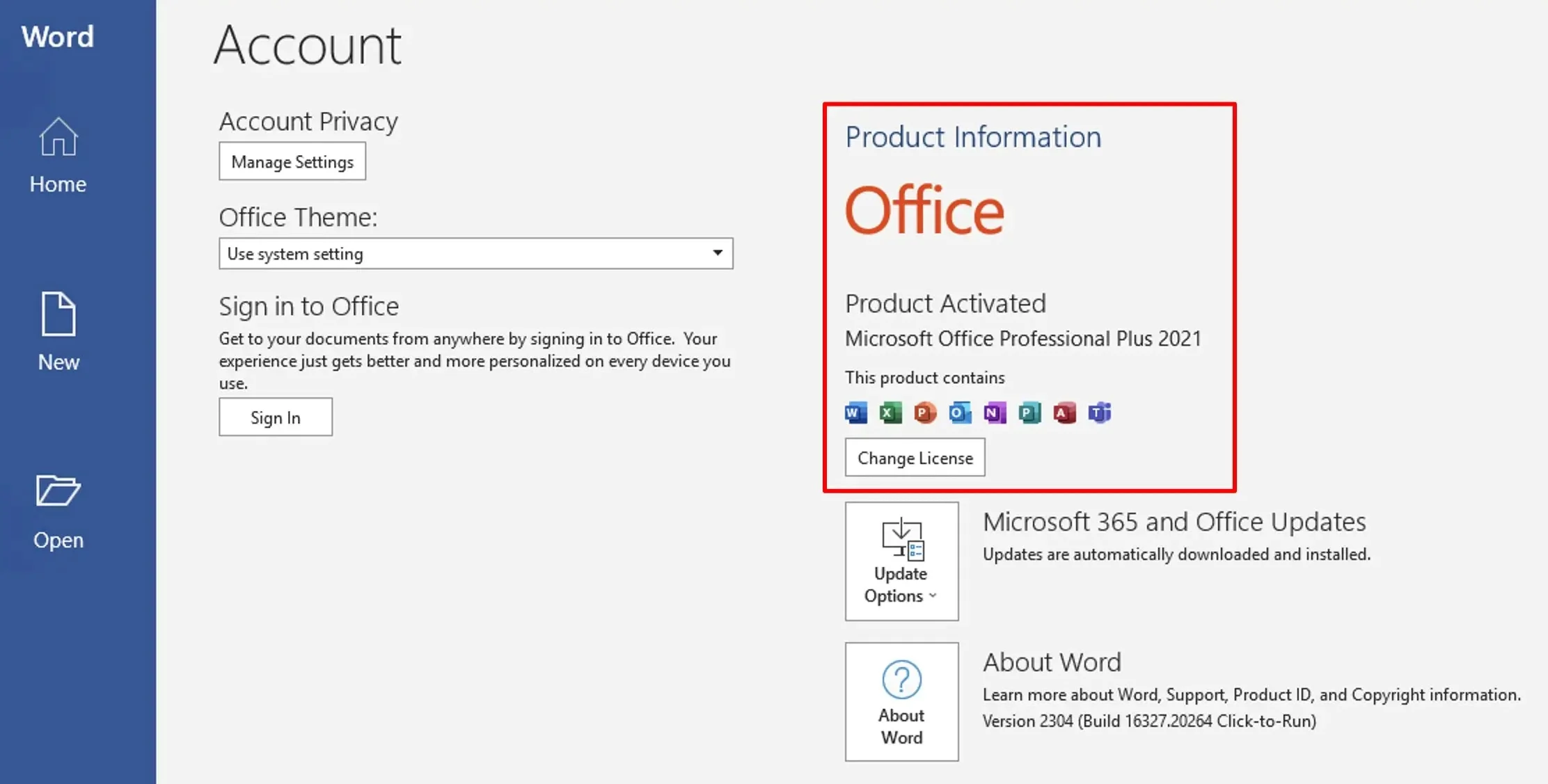
Office 2021 is now activated and ready to use.
Still need help? Contact us